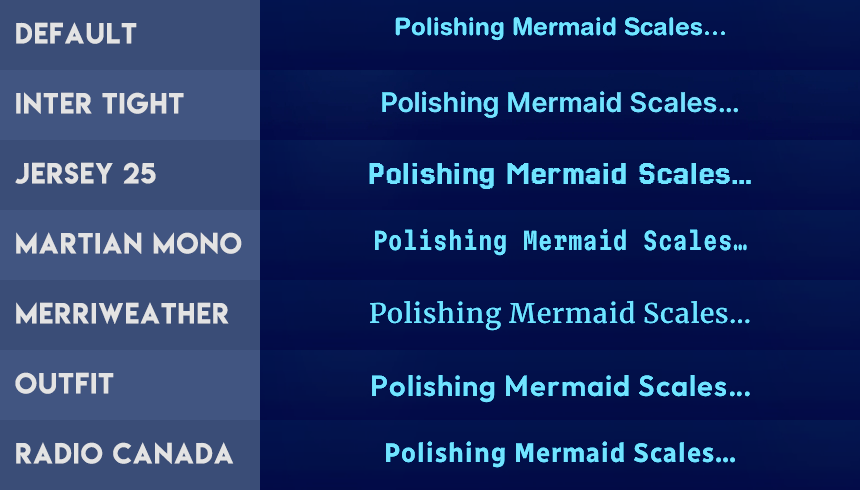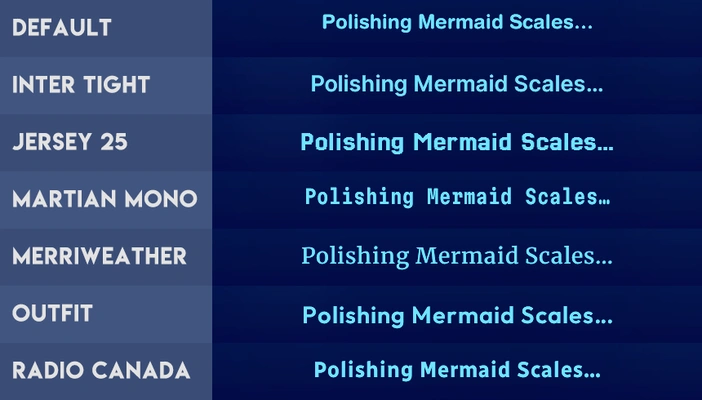




Six UI font replacements
Project: Mods

by sweetdevil
Uploaded Sept. 27, 2025, 10:35 a.m.
Updated Sept. 27, 2025, 10:35 a.m.
Six default font replacements made using ohrudi's The Sims Sans replacement as a base, and following their guide!
ℹ️ Please read the info below before downloading!
- Some fonts may look better with a different UI color scheme! Unfortunately, fonts need at least a semi-bold weight to look readable, and not all look readable in the "dark blue against mid blue" of the default UI 😑 Every replacement contains previews in the default UI, justmiha97's Clean UI, and simstate's Blackout UI.
- Use only one font replacement at a time! You can install in either Mods Overrides or Mods Packages.
- These are compatible with UI recolors that don't also change fonts.
ℹ️ You can open up the CSS resource inside the .packages in a text editor and change whatever values you want e.g. font size, letter spacing, line spacing. You can make your own font replacements following OhRudi's guide above! You can also use my edits as bases — I noted what some parts of the CSS do so it should be easier to change what you want.
There is a difference between the font's internal name and the font filename, and you will have to use the font's internal name in the CSS resource in the replacement. Here's an example of what I mean, having opened the font file with IrfanView:

ℹ️ Quick explanation of the most frequently used tags!
font-size - for when you want to change the size of the text.
letter-spacing - for when letters are too spaced out or too close together. You can have negative and decimal values.
line-spacing - for when there's too much or too little space between lines.
font-family - for when you want to display a different font in one section.
Some parts of the UI have multiple CSS tags/properties affecting them. Ctrl-F relevant parts of my explanations (e.g. "Edit Town") to see what other bits of CSS affect specific parts of the UI. If a UI part appears multiple times (e.g. household funds), the latter instance is typically the one used by the game when it comes to text size, but the former can affect typeface (i.e. the font used) and line spacing.
⚠️ In spite of extensive testing, it's very likely that there are UI parts I haven't been able to identify. For now, those font sizes have been increased to 10x so that they're very visible when stumbled upon. If you happen to find any, please DM me with a screenshot of where you found said font!
Credits: Rasmus Andersson (Inter Tight); Sarah Cadigan-Fried (Jersey 25); Roman Shamin, Evil Martians (Martian Mono); Sorkin Type (Merriweather); Smartsheet Inc, Rodrigo Fuenzalida (Outfit); Charles Daoud, Coppers and Brasses, Alexandre Saumier Demers, Jacques Le Bailly (Radio Canada).
Other Uploads By sweetdevil:
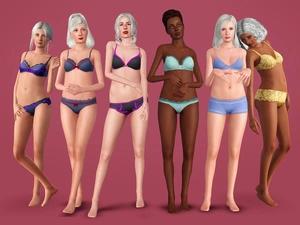
Master Suite Stuff Lingerie for elders
Project: Clothing - F
 by
sweetdevil
by
sweetdevil
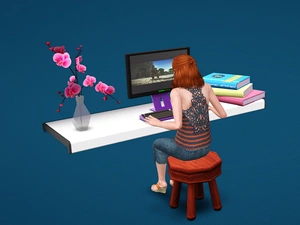
Master Suite Stuff lingerie for elders, separated into tops & bottoms.
Rainbow hair retexture pack #1
Project: Hairstyles
by
sweetdevil
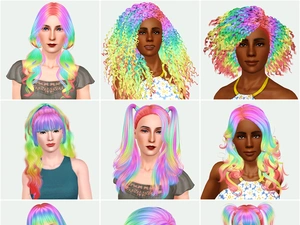
9 hairstyles retextured in rainbow style!
Camo Clad top
Project: Clothing - Kids
by
sweetdevil
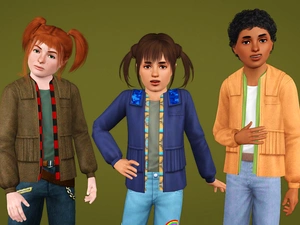
Separated top for children, unisex. From the One with Nature Store set.
Island Paradise swimsuits for elders
Project: Clothing - F
by
sweetdevil
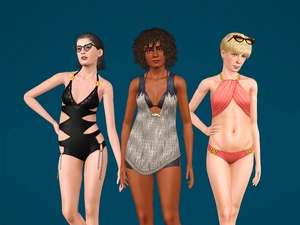
Converted for elders, from the Island Paradise EP.
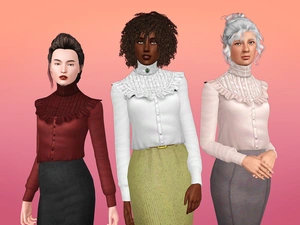
Françoise Blouse
Project: Clothing - F
by
sweetdevil
Frankenmeshed blouse for teen-elder, with maternity morphs.
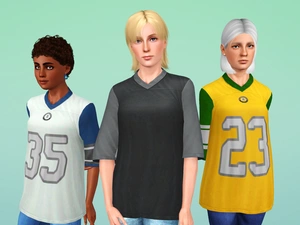
Go! Fight! Win! Jersey
Project: Clothing - F
by
sweetdevil
Original from the Store, now for teen-elder.
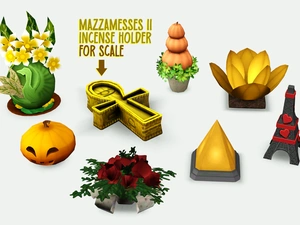
7 New Incense Holders
Project: Objects
by
sweetdevil
Several deco items, repurposed into incense holders.