Part 4: Your Downloads Folder and You!
Project: Morita Livejournal Reuploads
by honowo
Uploaded Jan. 15, 2026, 4:43 a.m.
Updated Jan. 15, 2026, 4:43 a.m.
 Socials:
Tumblr
Socials:
Tumblr
Part 4: Your Downloads Folder and You!
I won't gloss over it, making the game Historical is a labor of love because it takes a good bit of work. The first time attempted this, I just dumped everything into one folder and was horrified when I needed to pinpoint a buggy piece of CC. So it's totally worth it to set up an organized Downloads Folder first thing.
I followed this suggested structure here on Post #5 and made tweaks as needed. It was overwhelming at first and a bit painful, but trust me, take it slow and steady and it is totally worth it in the end!
These are my folders!
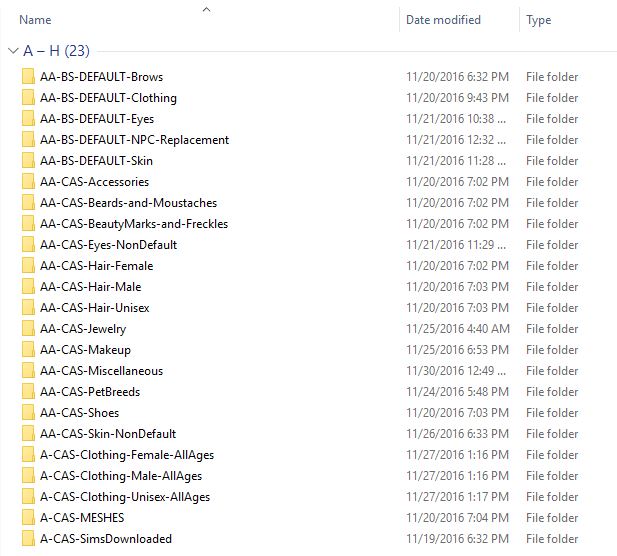
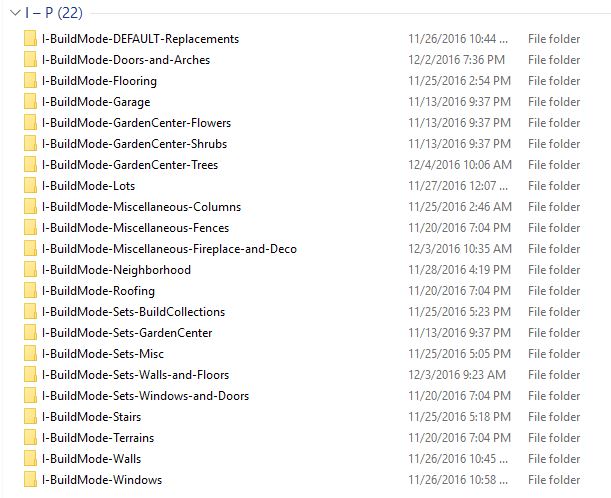
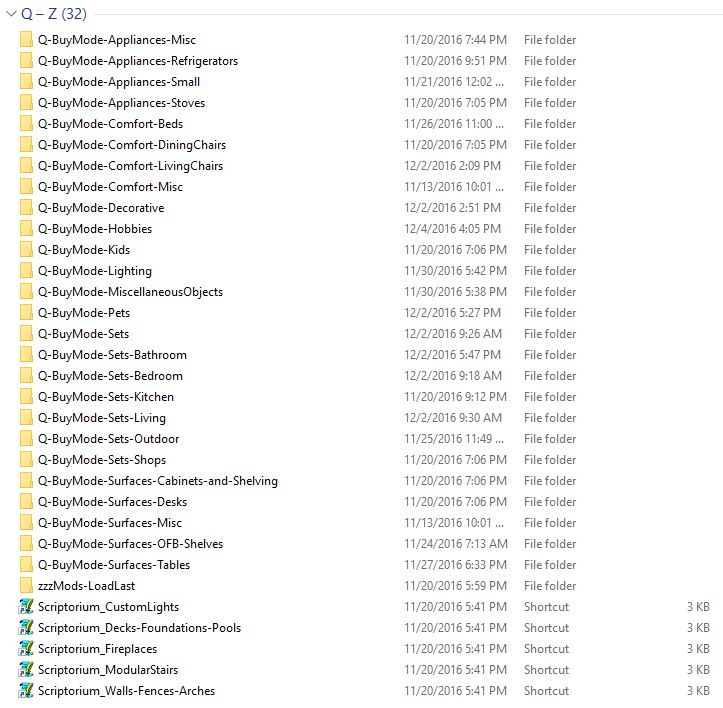
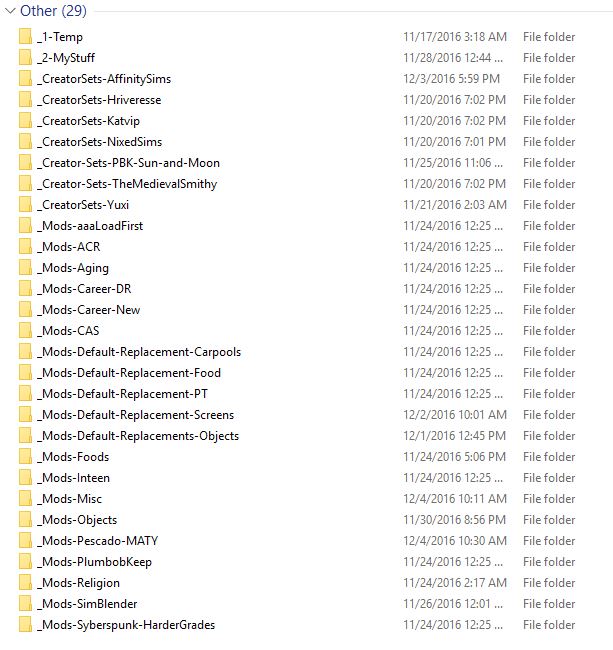
Within each folder I then set up my subfolders by changing the View to Large Thumbnail and using a cover image to make tracking it down and/or remembering what the hell it is I downloaded easier later on. I will also include a .txt file with the url to the content if I find something on a site that I think I might forget later.
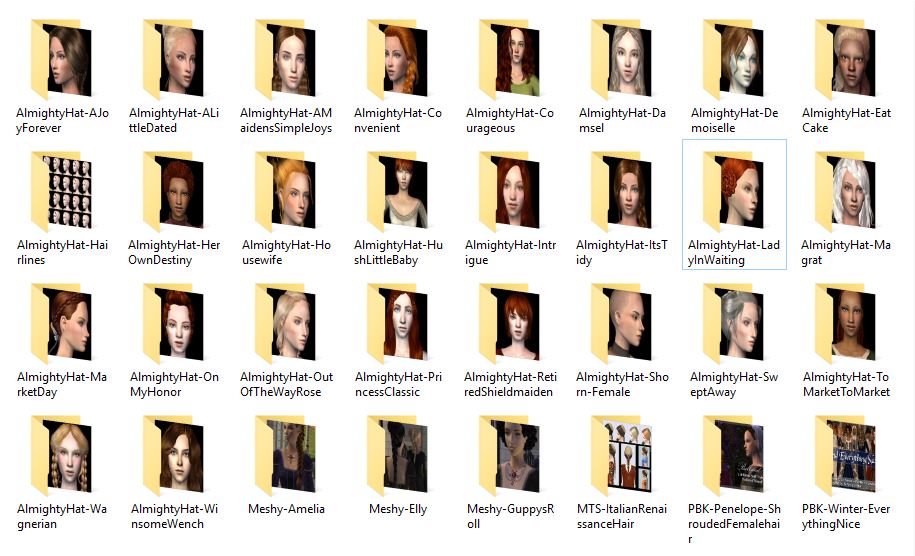
I also have a new folder that is located outside the Downloads folder, I named mine "Recolors" and it is located in the EA Games>The Sims 2 Ultimate Collection folder where you have all of your main folders like Downloads, Cameras, SavedSims, etc. It is specifically for Walls, Floors and Object Recolors. They don't need to be in the Downloads folder itself for the game to read them, and will cut down a bit on your load times (Clothing and Hair recolors sadly will not be read this way and must be kept in the main Downloads folder).
Just keep that folder organized so that if you ever delete a mesh from your Download location, then you can easily go and delete the recolors as well.
I really would recommend taking the time to set up a cohesive Downloads Folder for any game, but for this style of game in particular, it has made life so much easier when it comes time to inevitably trim out that unused or problematic CC. Once you get going, you'll be shocked at how quickly this folder grows and I'm willing to put money on you wanting to do some pruning later on :)
Helpful Programs that I use for organization are below:
SimPE
Delphy's Download Organizer
Sims2Pack Clean Installer
Use these to scan regularly for duplicate files, orphans, etc.
I can't forget to mention the Bulk Rename Utility. This thing was a godsend for naming and renaming folders and, best of all, editing those filenames with spaces and weird characters in the names quickly and easily.
