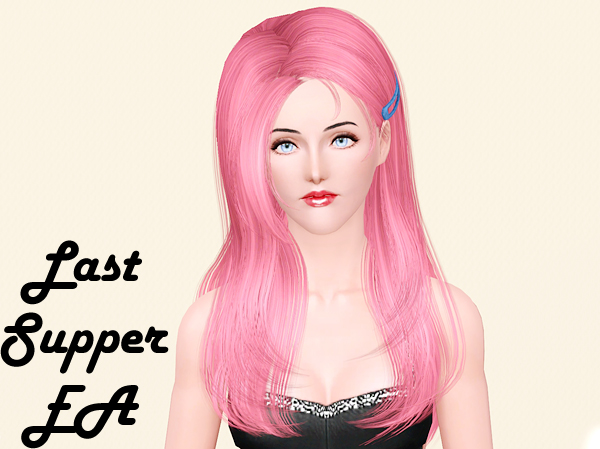
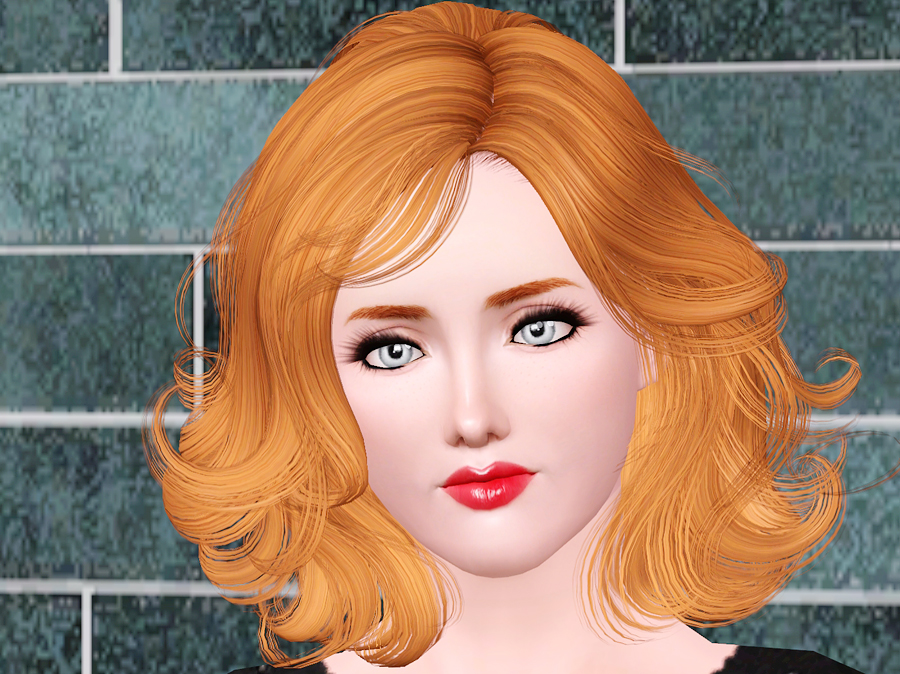
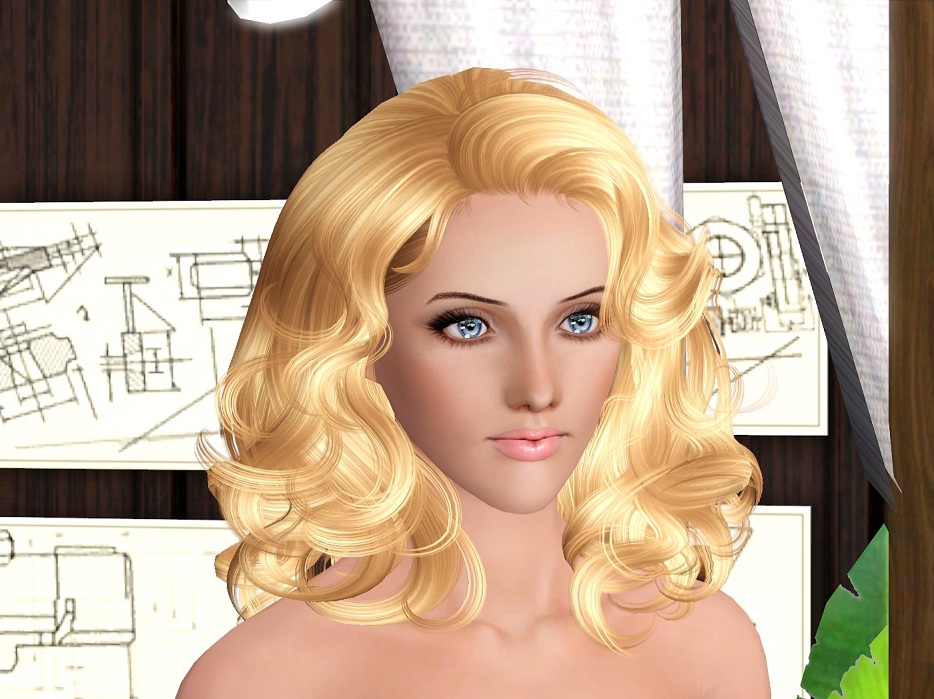
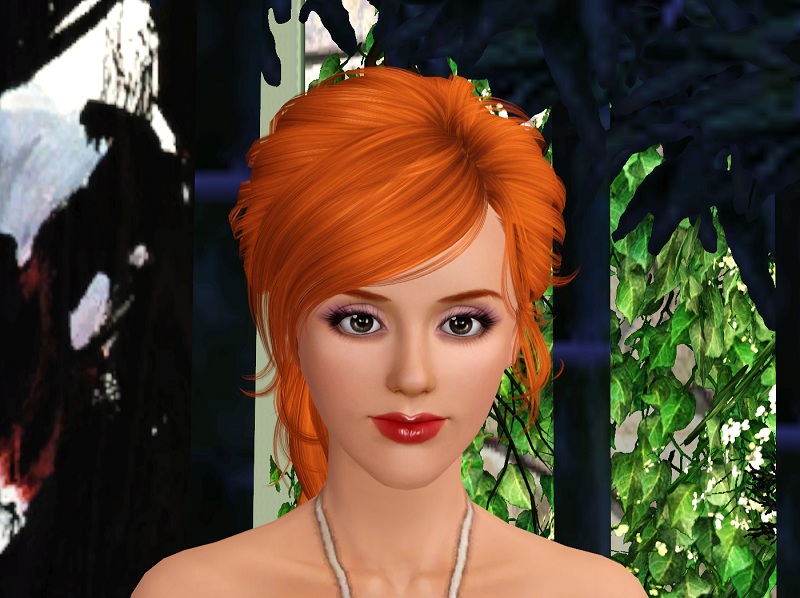
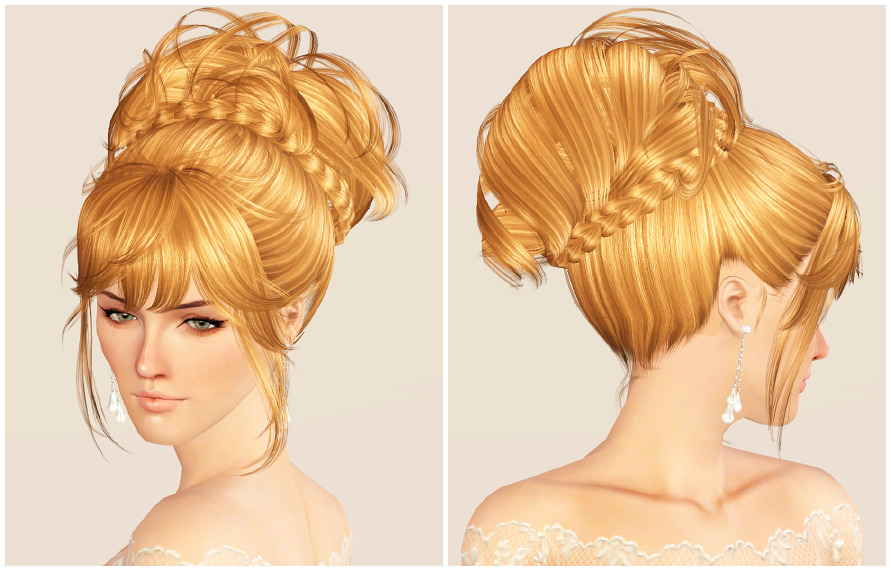
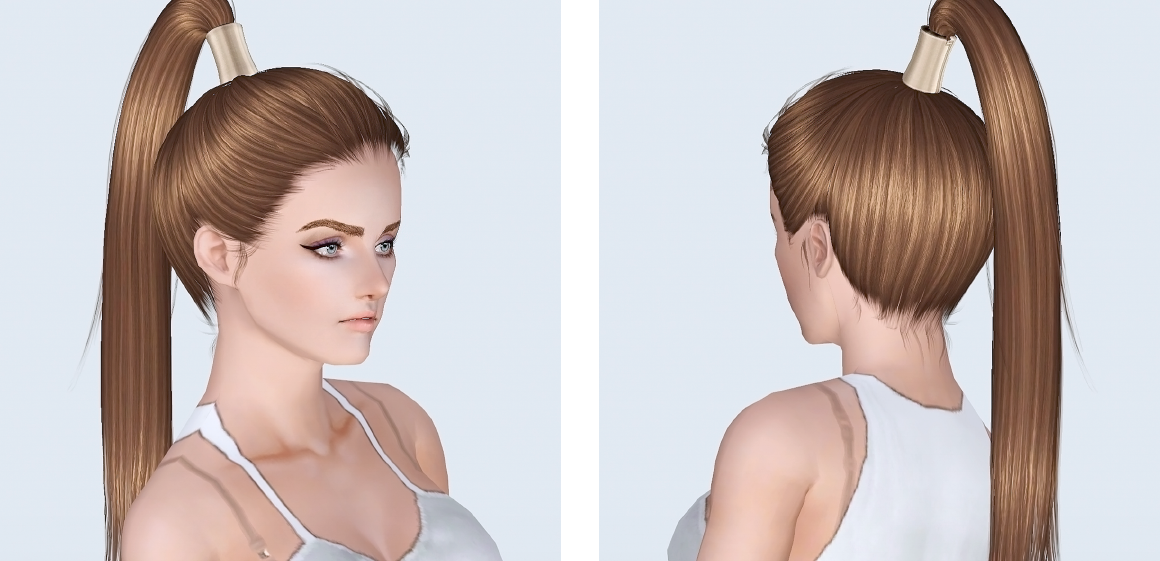
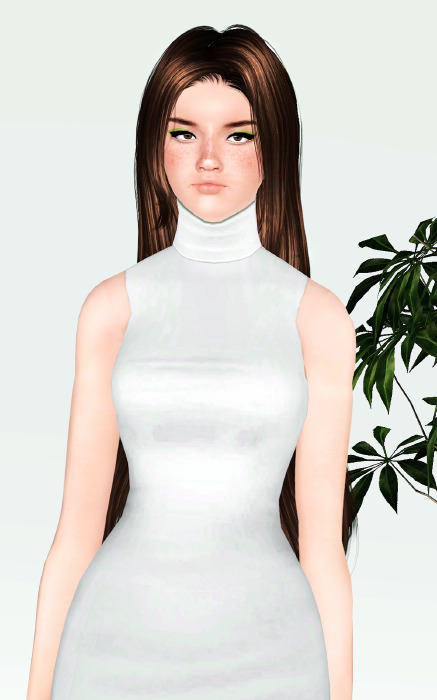
Make sure to create an appropriate collection for it—be descriptive with names, like using the set name or creating a collection called "Hairs."
Collections:
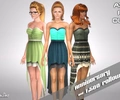
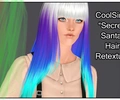
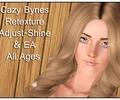
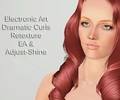
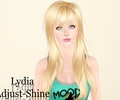
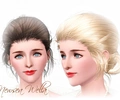
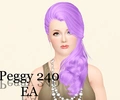
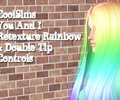
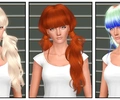
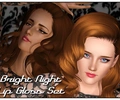
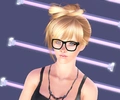
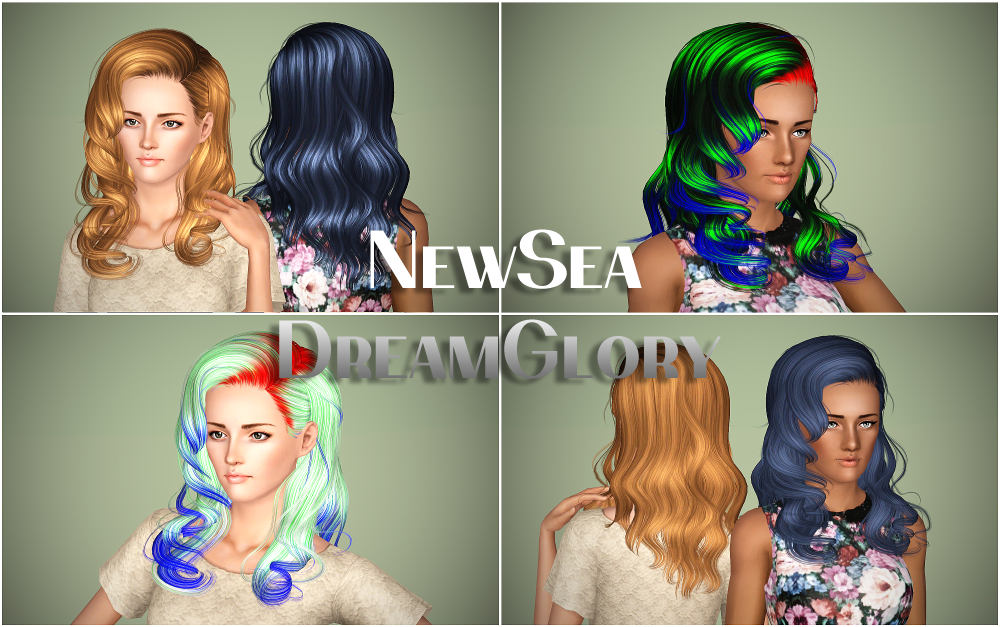
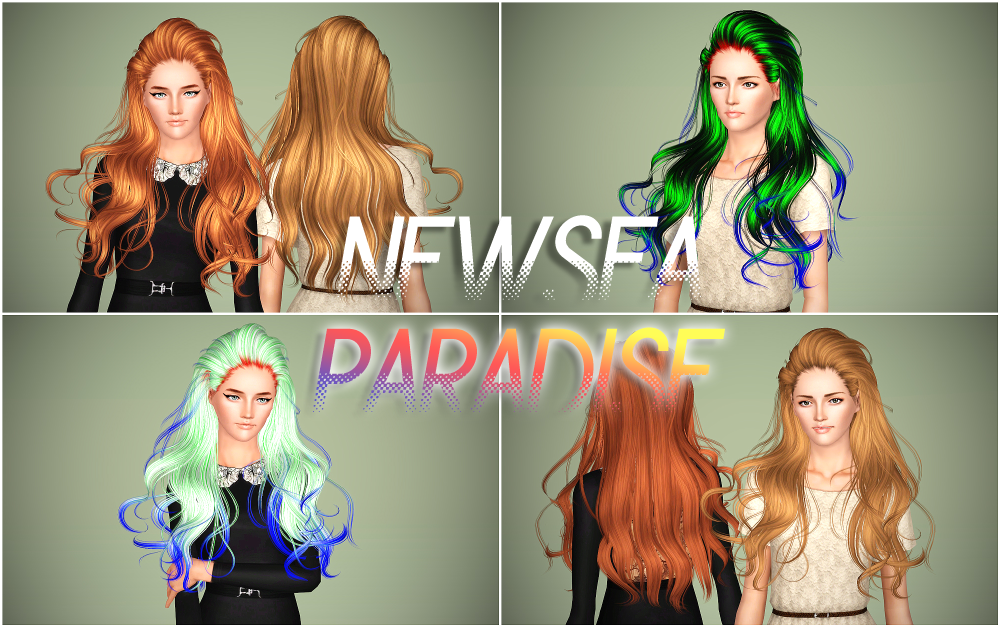
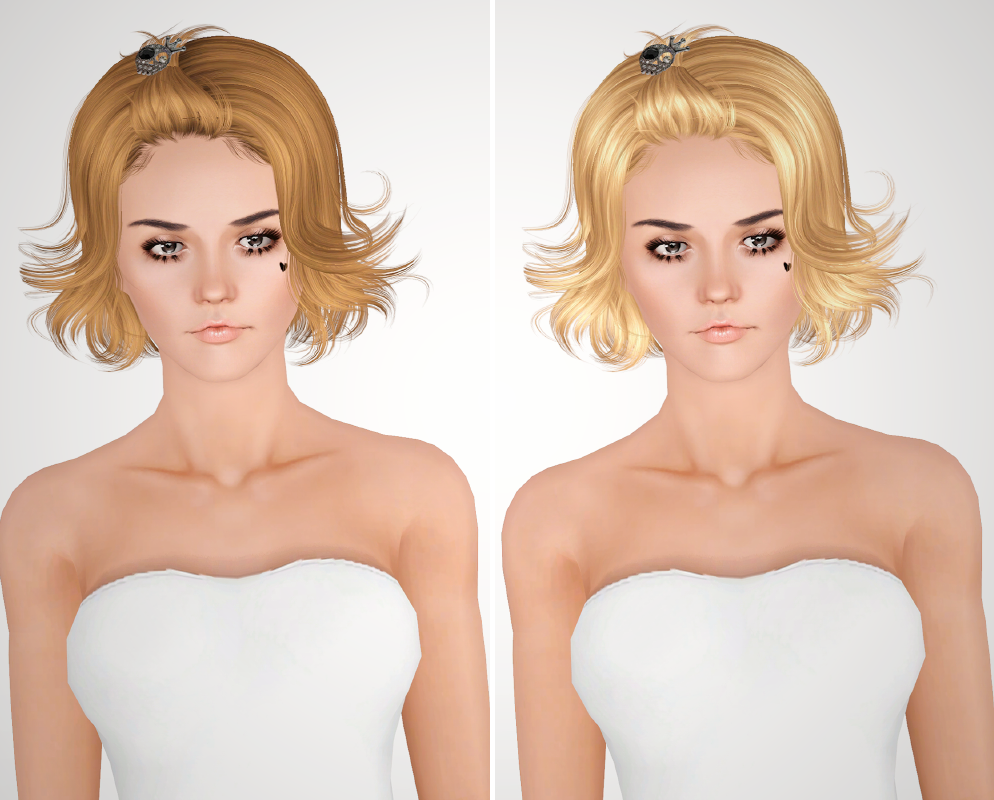
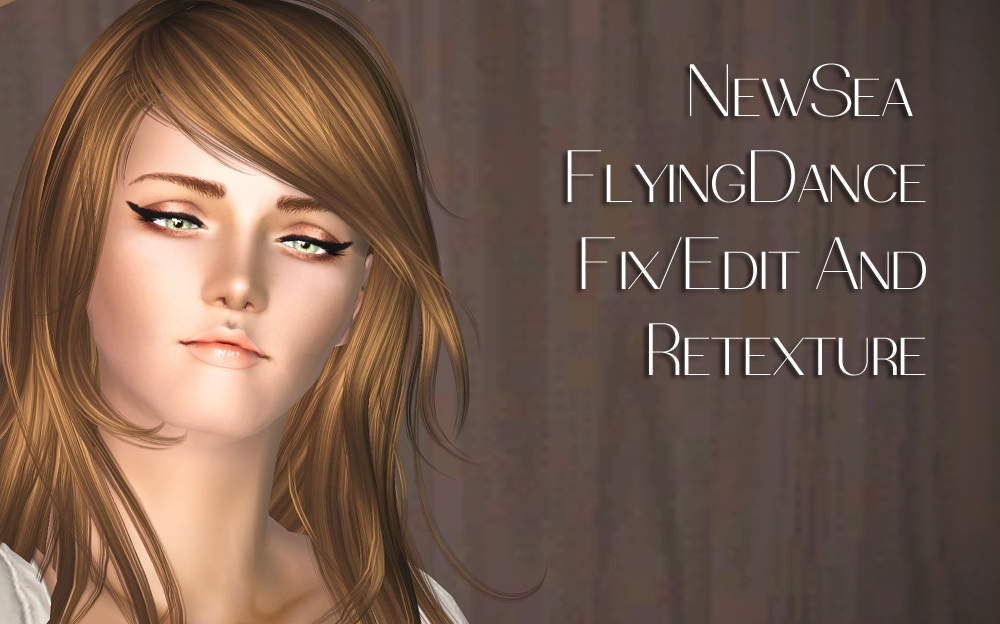
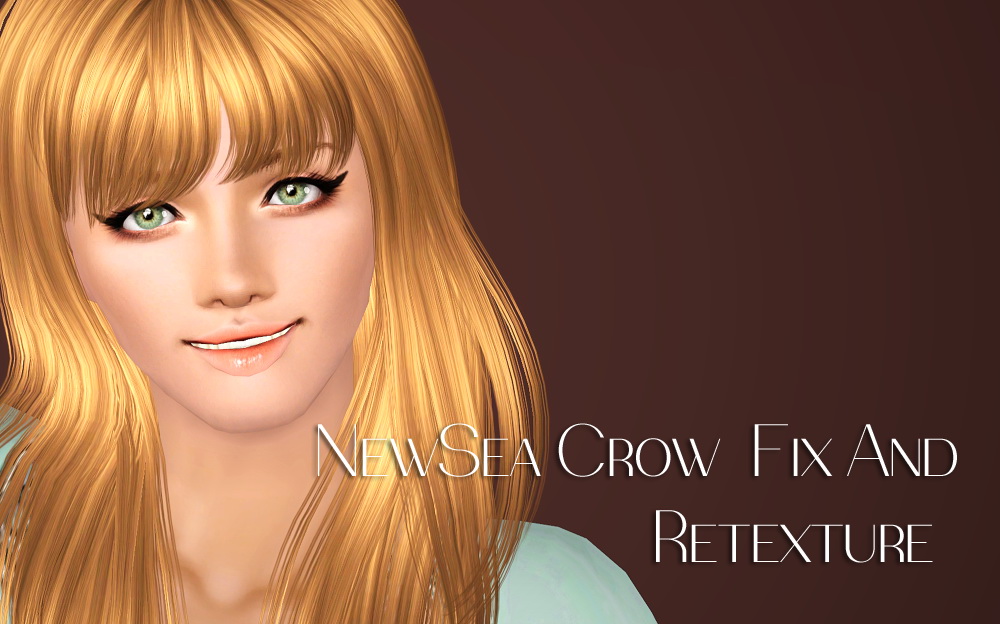
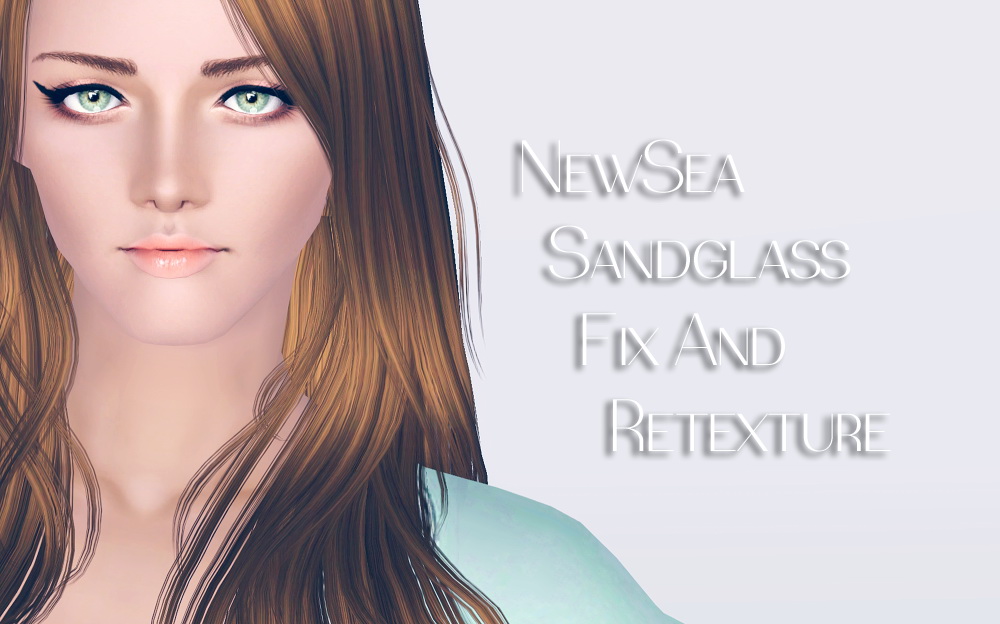
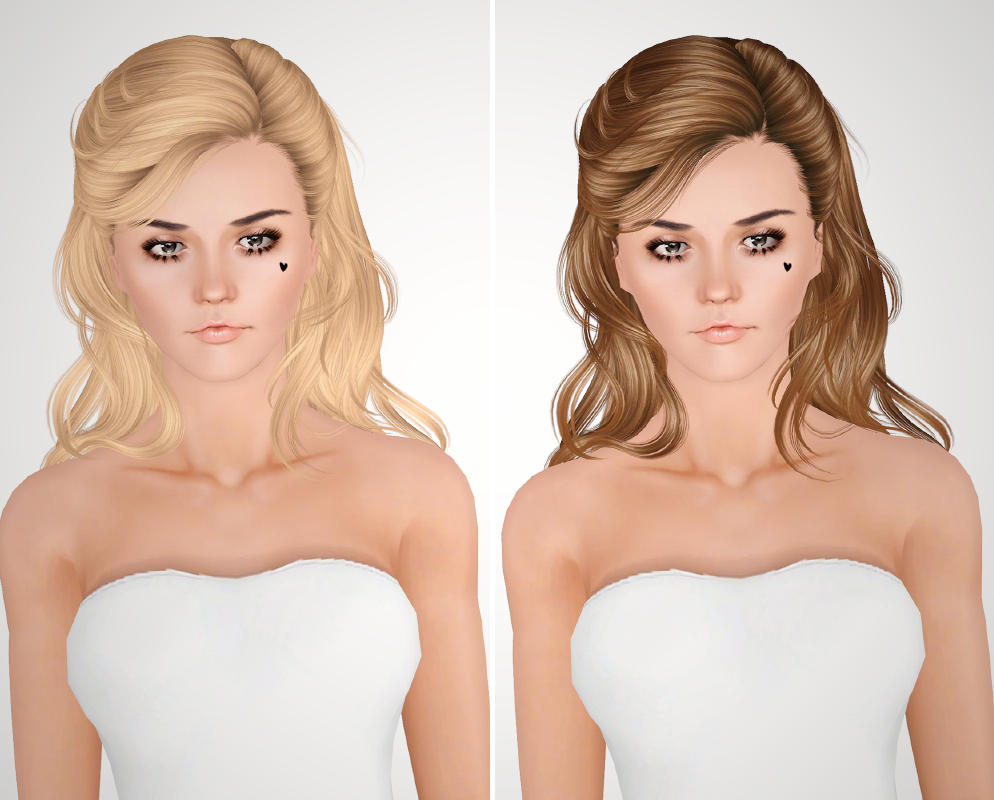
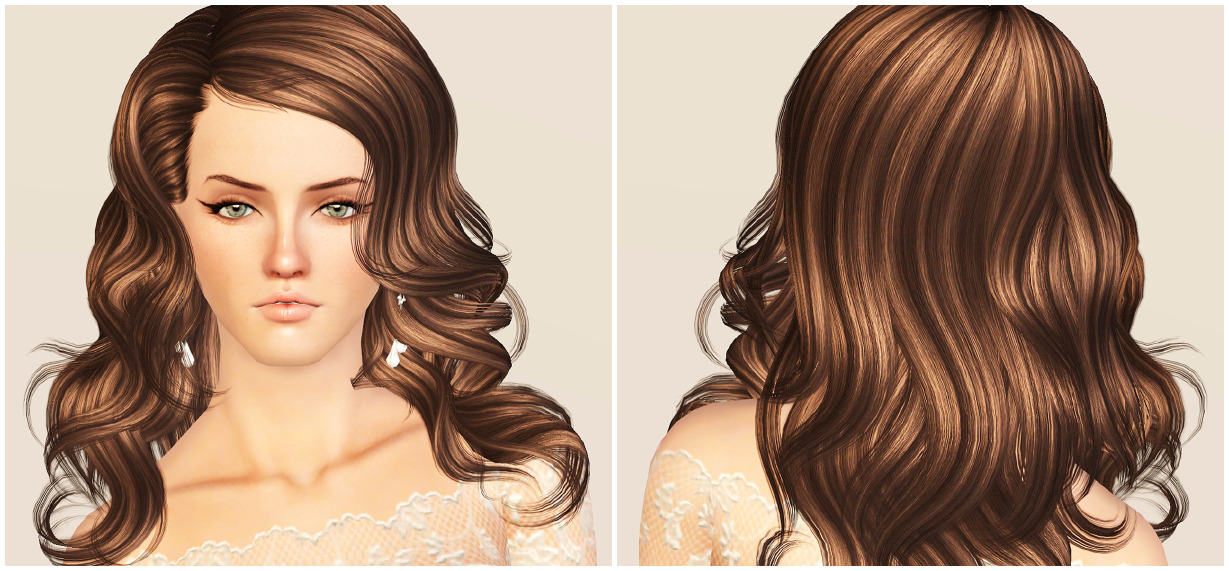
Hairs - Newsea J
Started by unthinkablesims
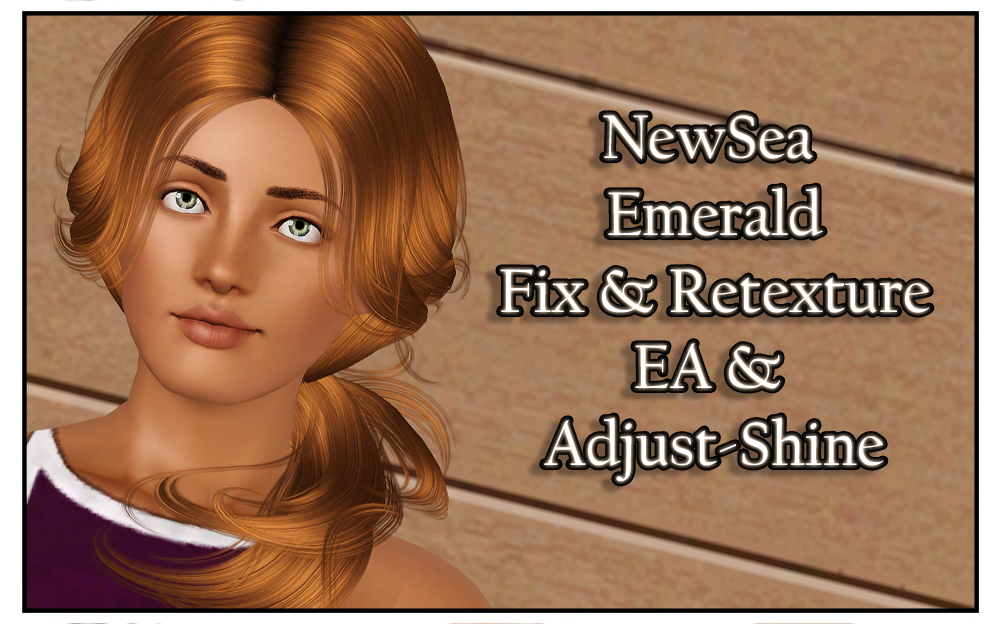
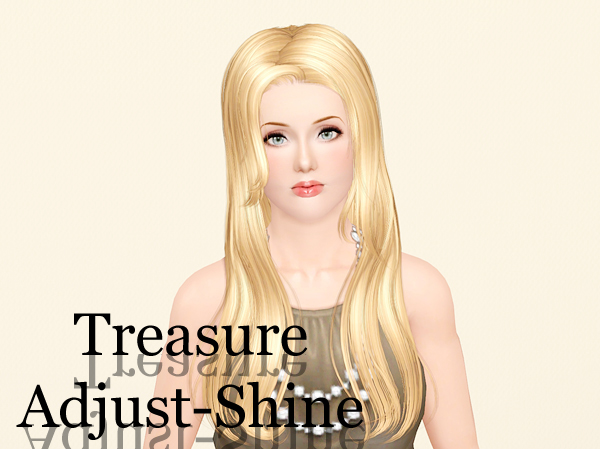
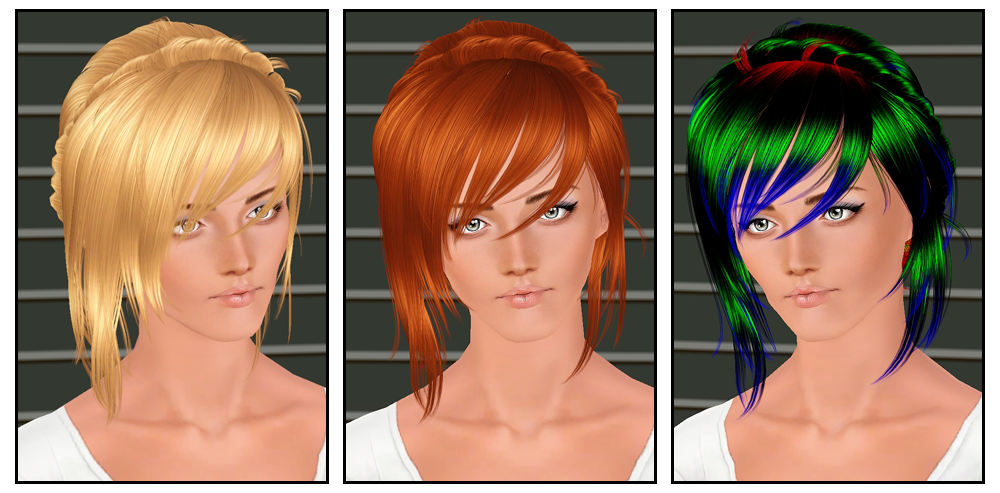
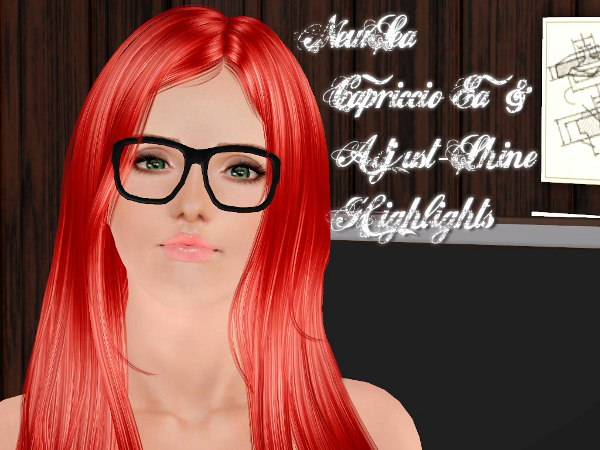
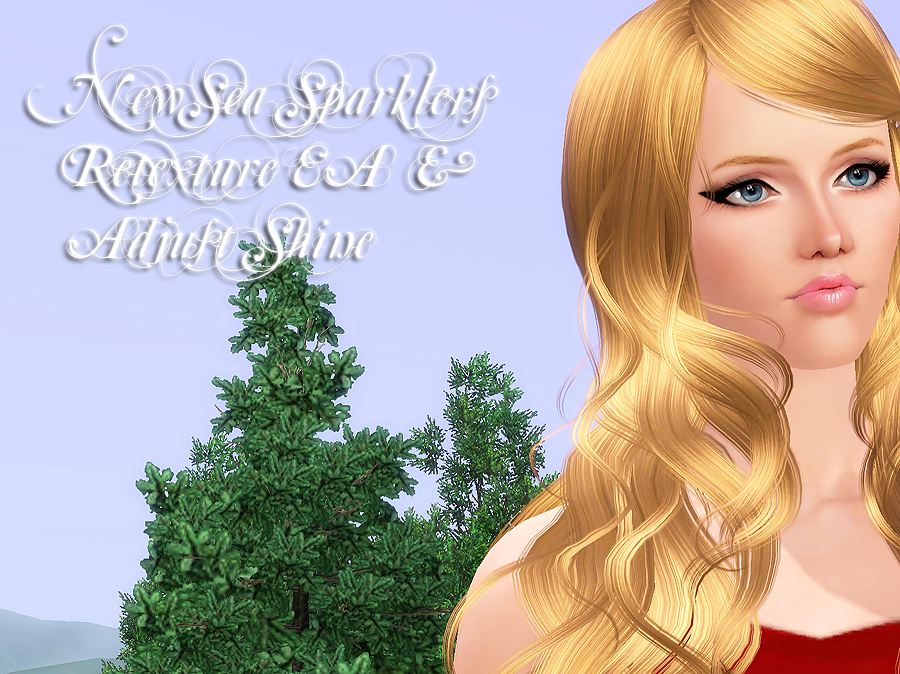
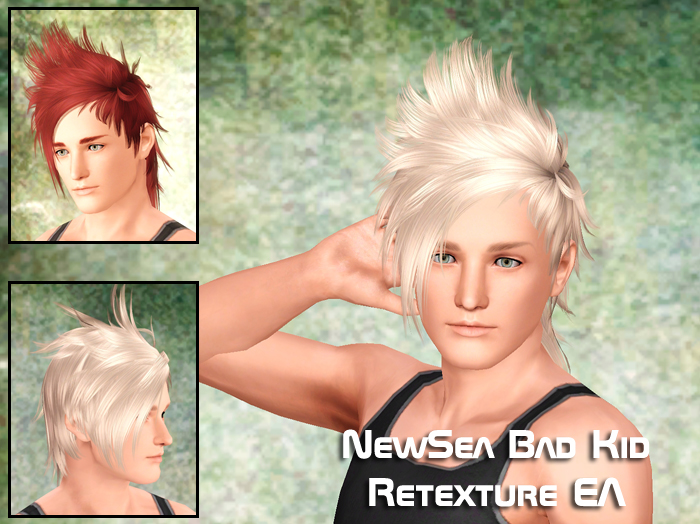
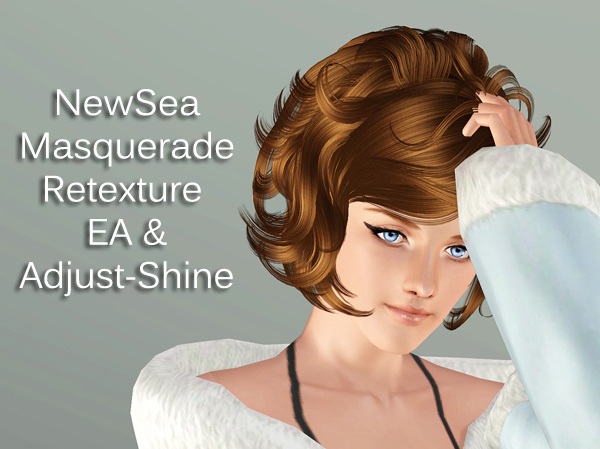
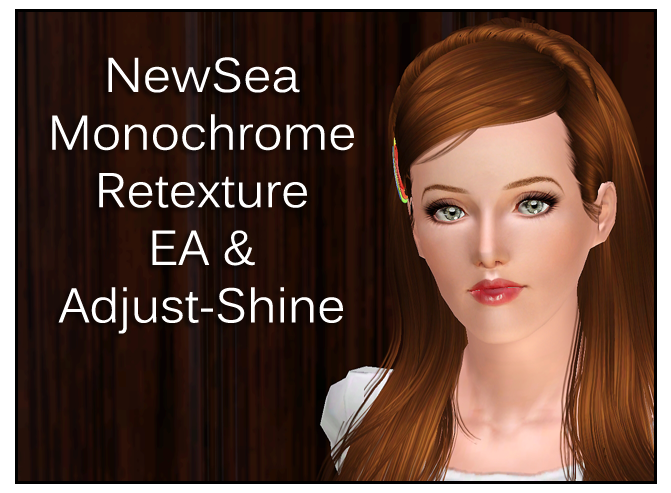
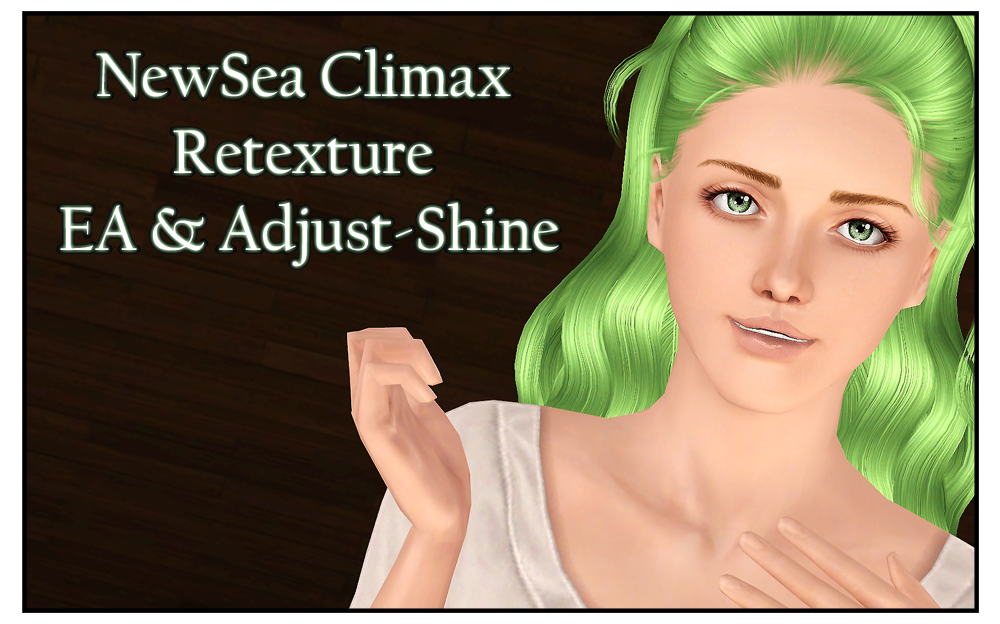
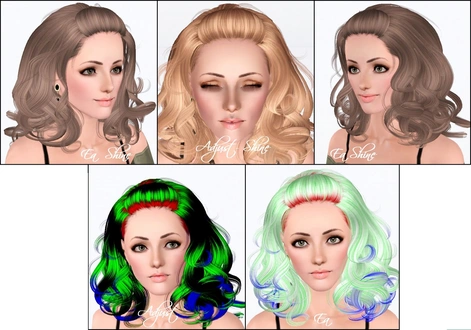
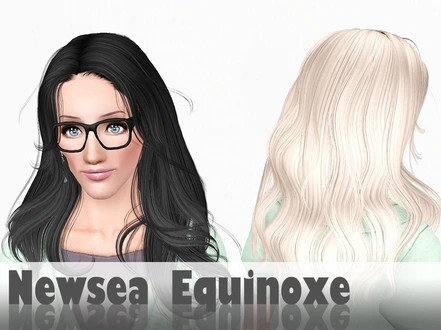
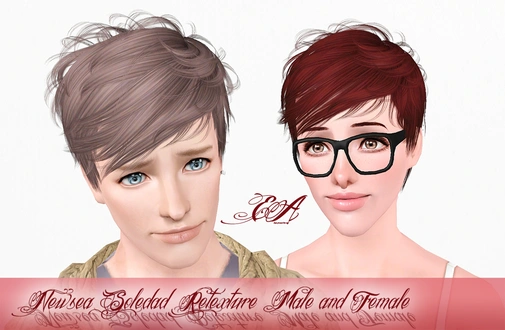
P = Toddler, C = Child, T = Teen, A = Young Adult/Adult, E = Elder. DT = Double-Tipped, DD = Dip-Dye. EA = highlights similar to in-game ones. AS = adjust-shine highlights. More info
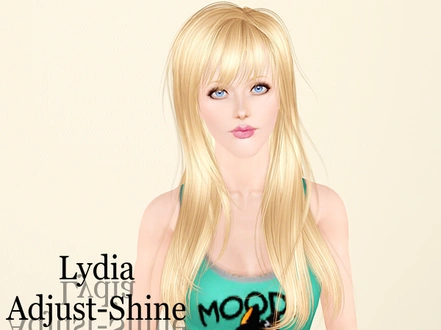
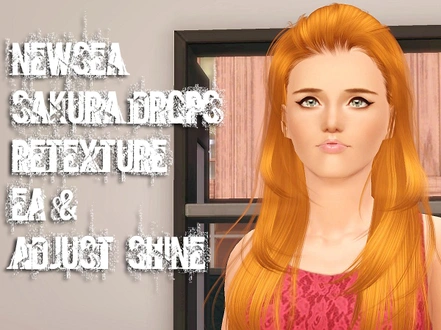
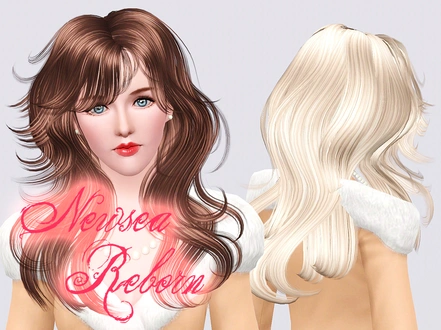
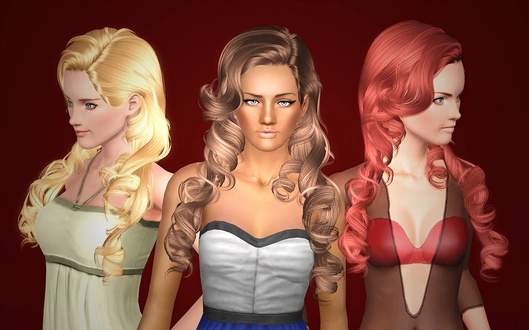
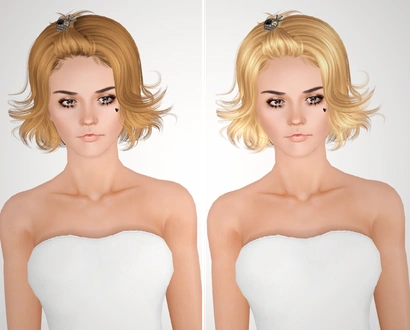
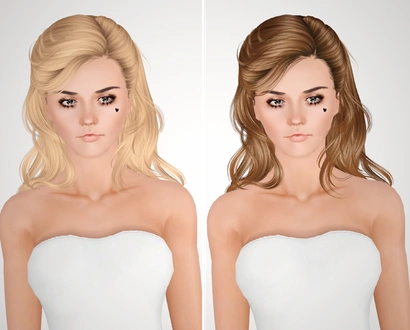
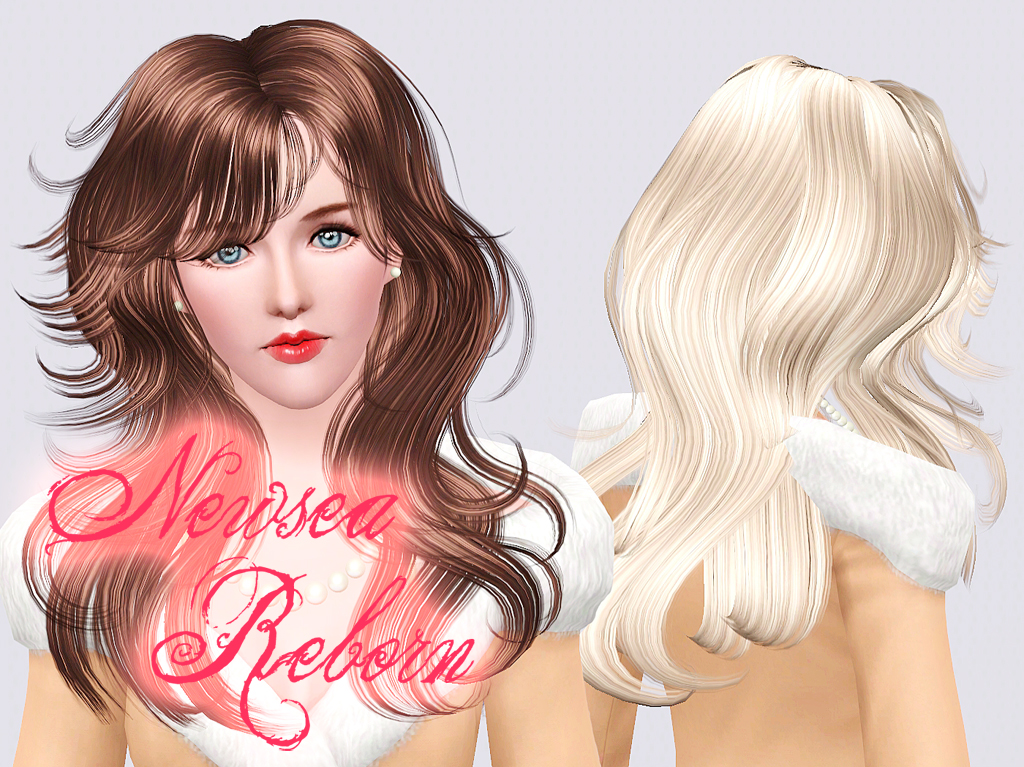
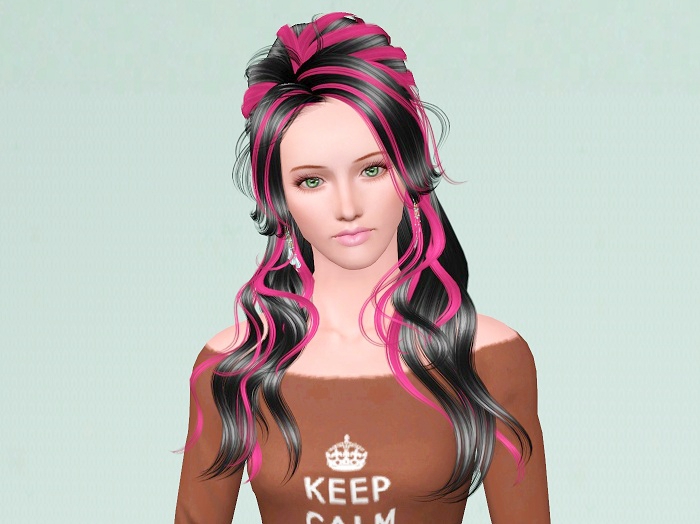
NewSea-SIMS3-hair-j036-reborn-f-Retexture-AdjShine_Poseidon.package
Donated by unthinkablesims
Download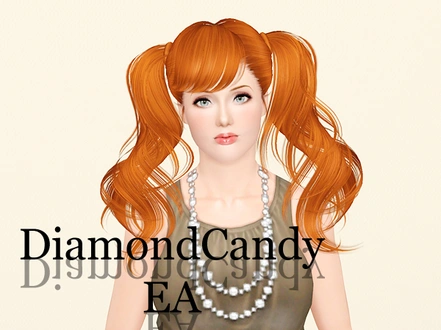
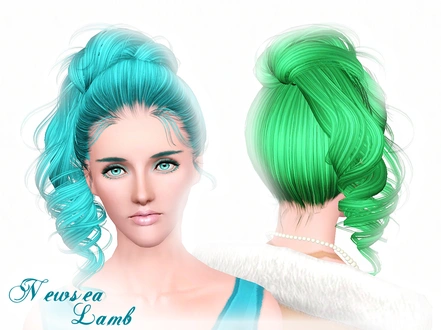
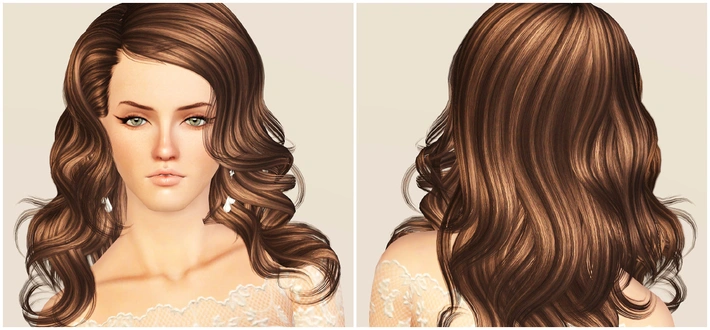
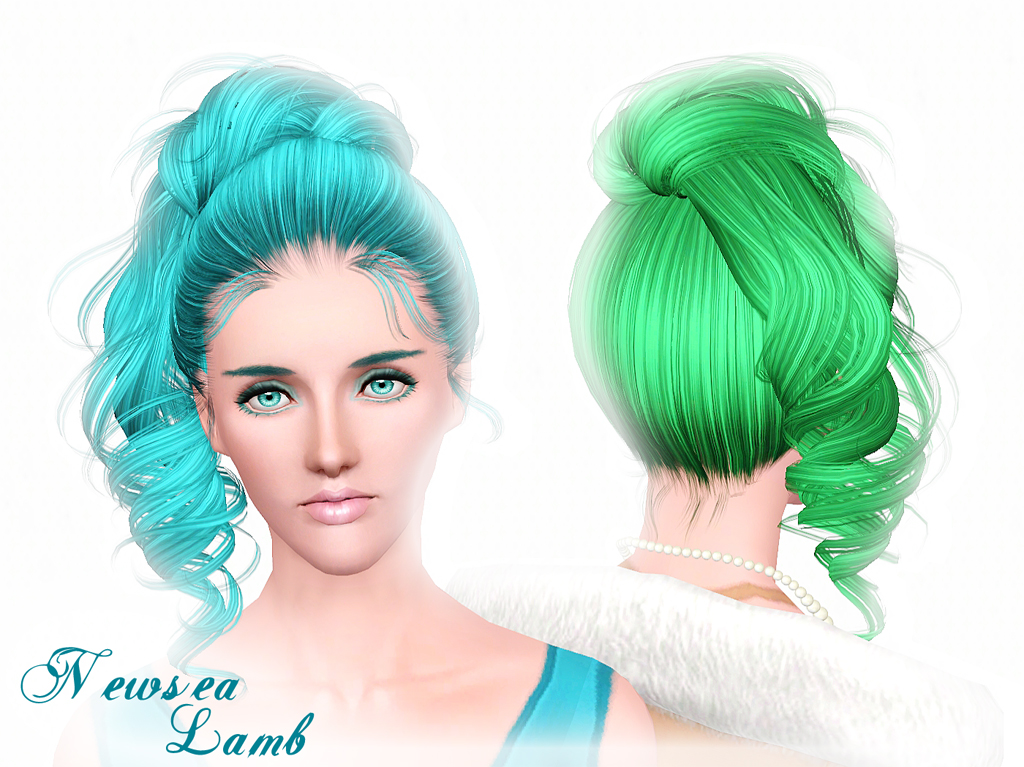
newsea-sims3-hair-j048-lamb-f-Retexture-AdjShine_Poseidon.package
Donated by unthinkablesims
Download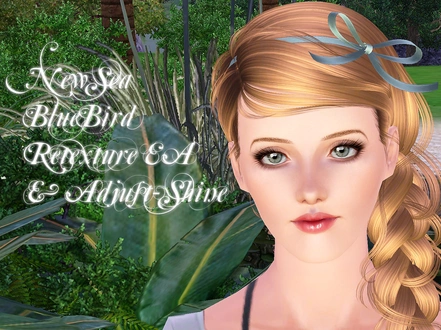
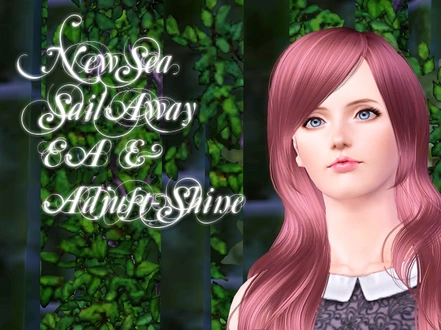
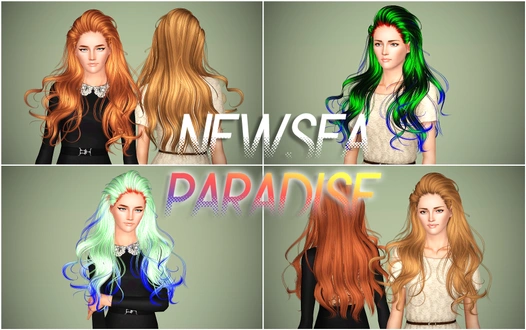
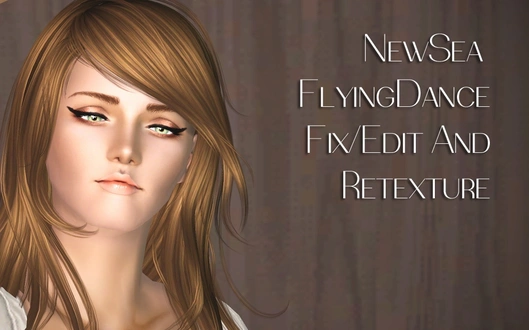
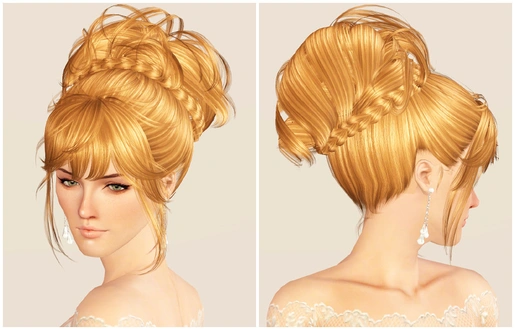
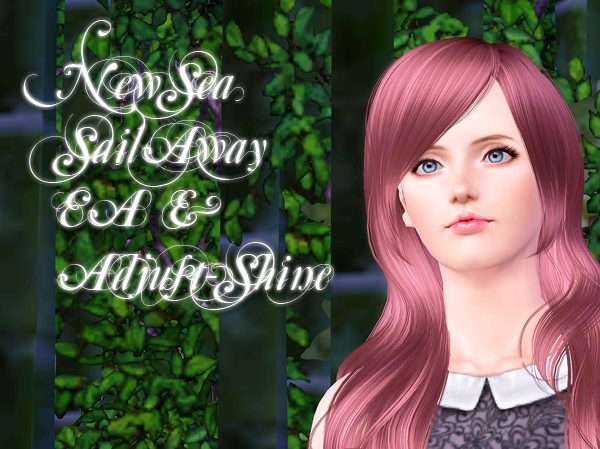
newsea-sims3-hair-j060-sailaway-f-Retexture-AdjShine_Poseidon.zip
Donated by unthinkablesims
Download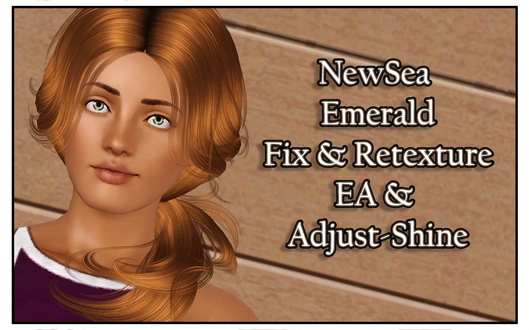
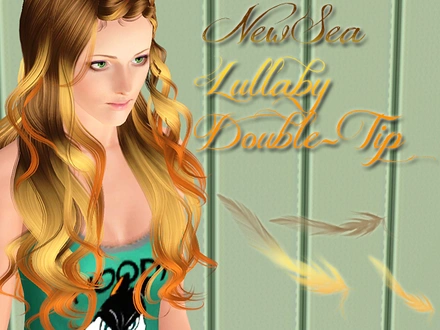
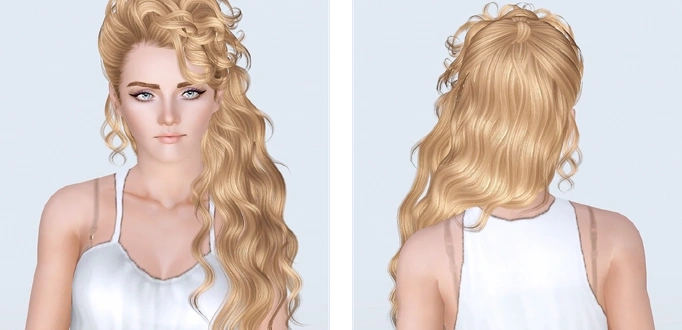
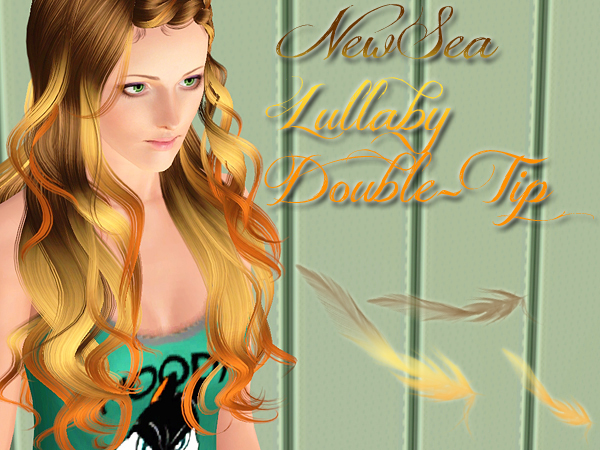
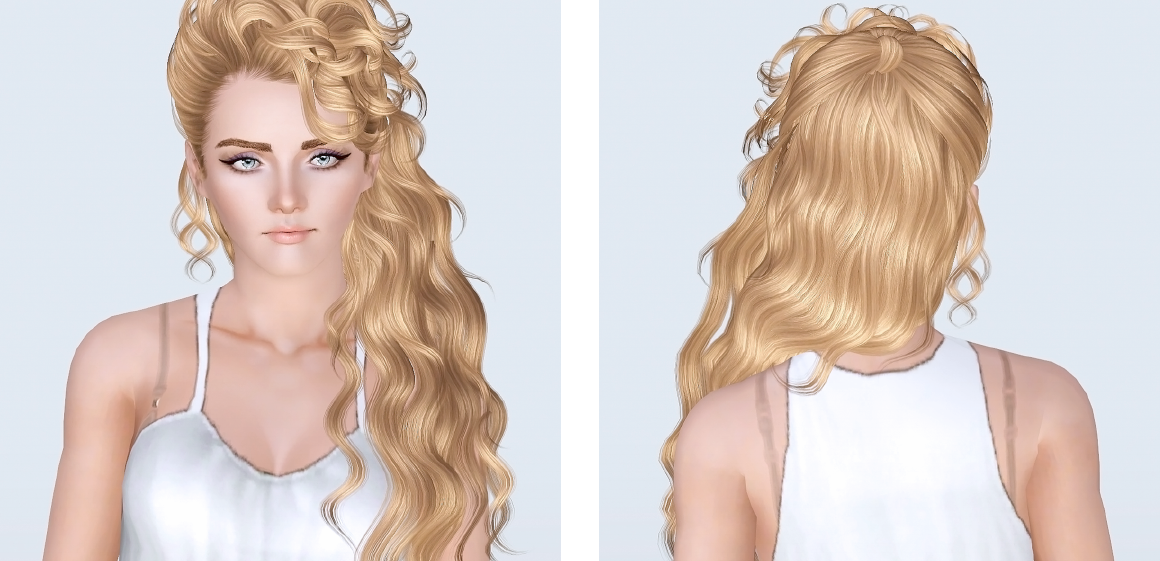
newsea-sims3-hair-j063-lullaby-f-Retexture-AdjShine-DoubleTip_Poseidon.zip
Donated by unthinkablesims
Download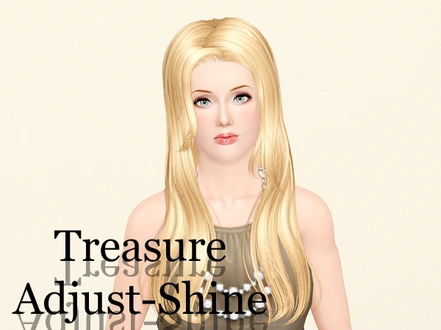
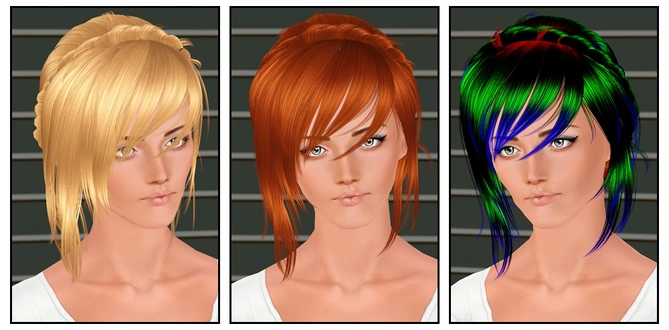
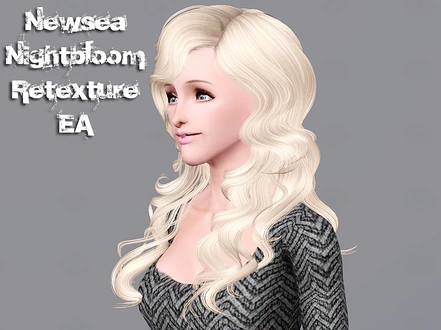
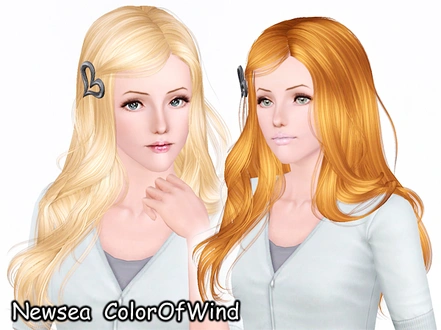
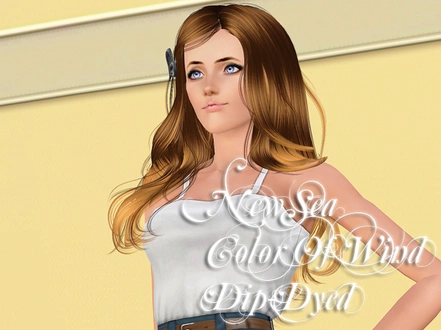
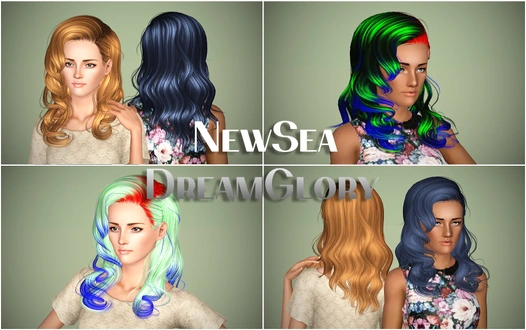
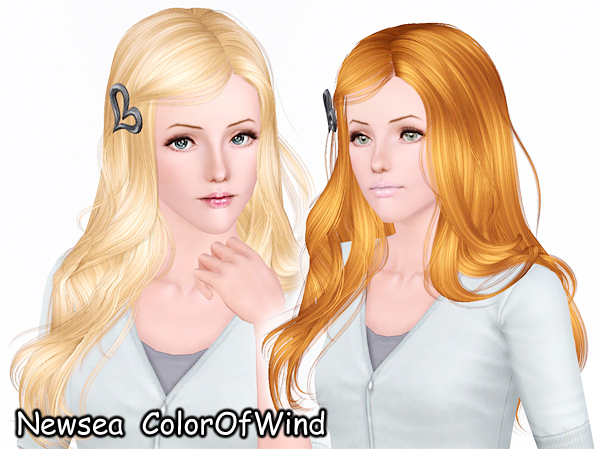
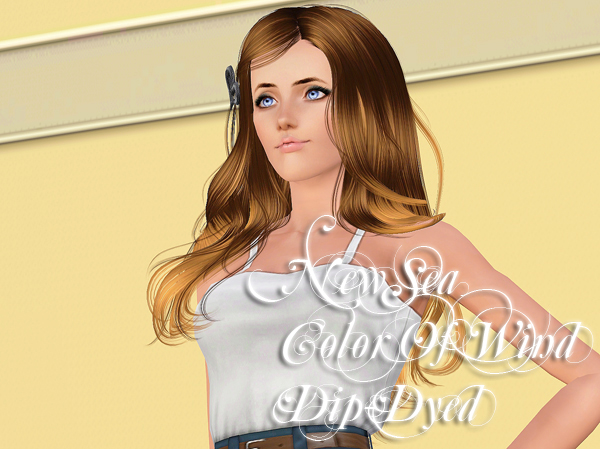
NewSea-SIMS3-hair-J083-ColorOfWind-f-Retexture-AdjShine-DipDye_Poseidon.zip
Donated by unthinkablesims
Download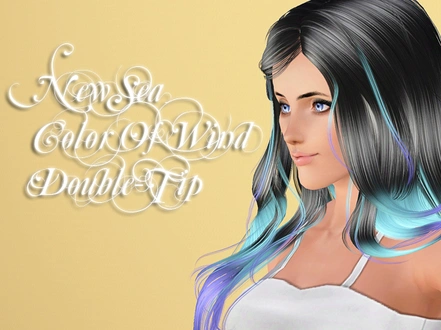
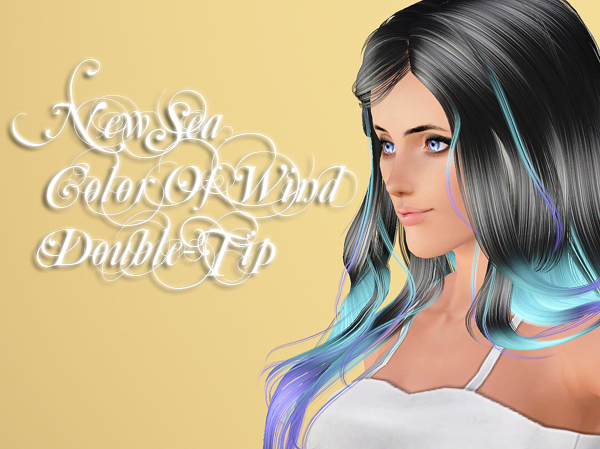
NewSea-SIMS3-hair-J083-ColorOfWind-f-Retexture-AdjShine-DoubleTip_Poseidon.zip
Donated by unthinkablesims
Download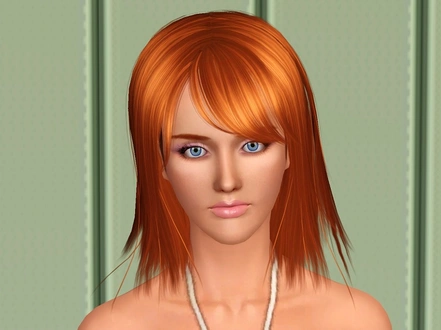
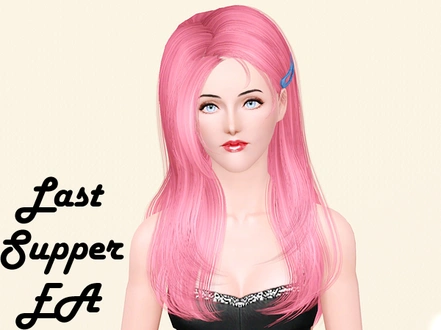
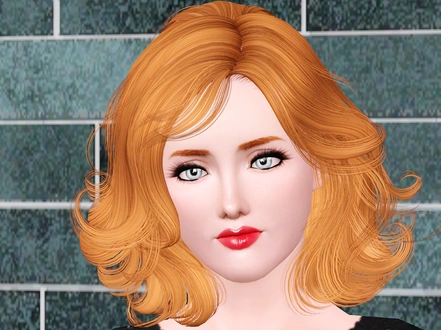
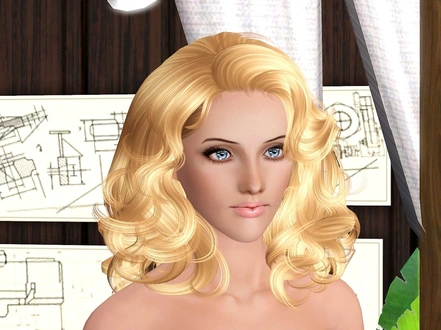
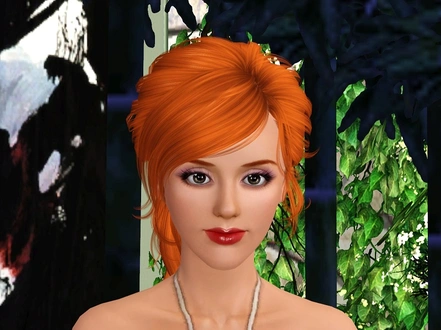
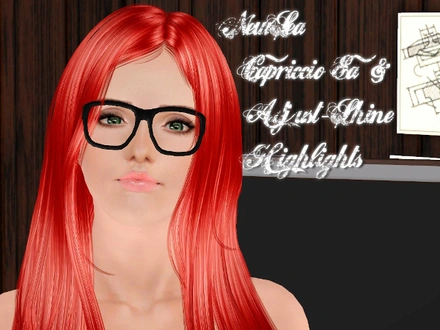
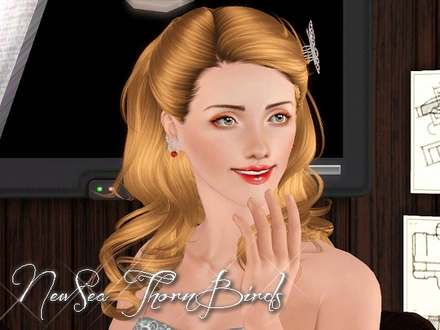
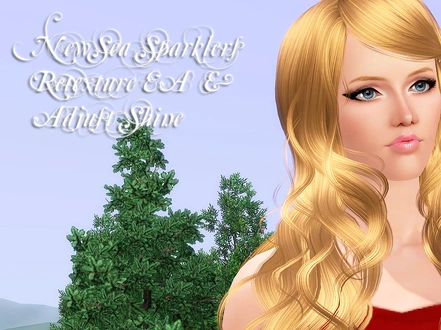
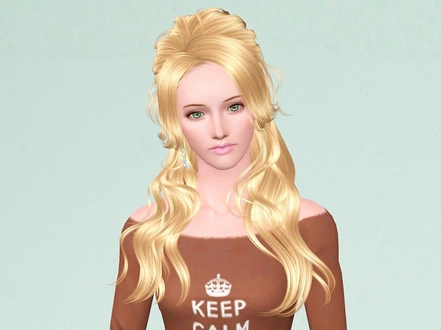
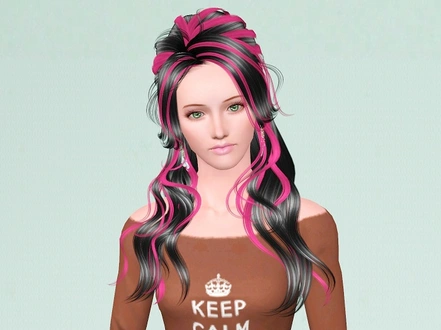
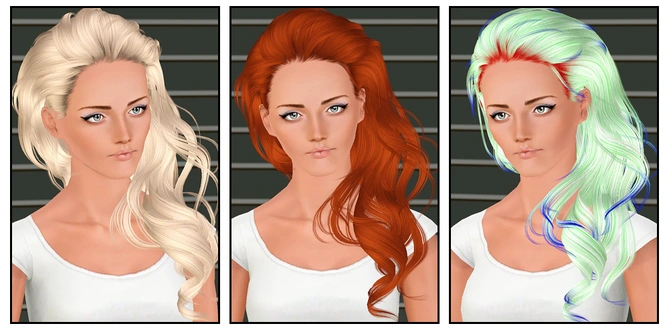
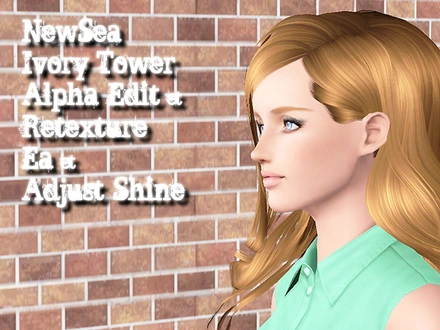
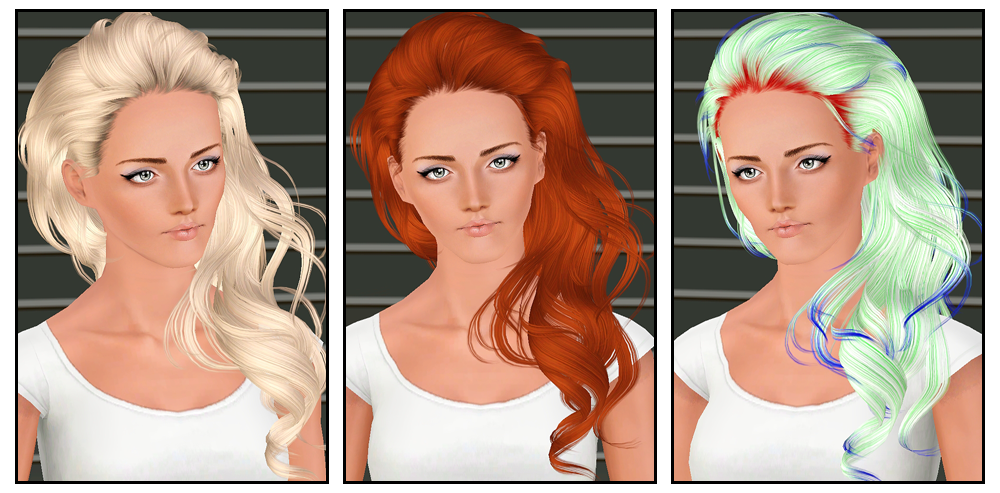
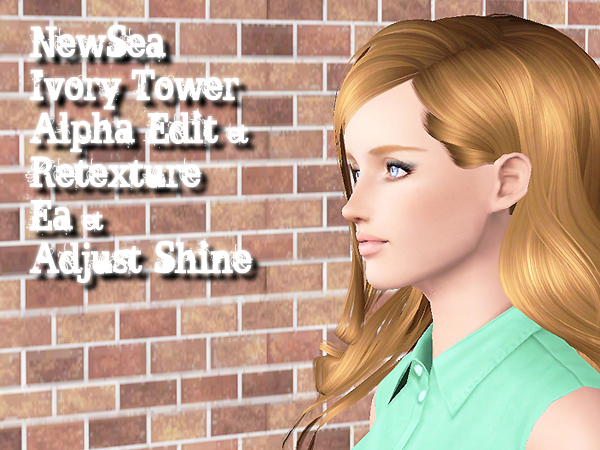
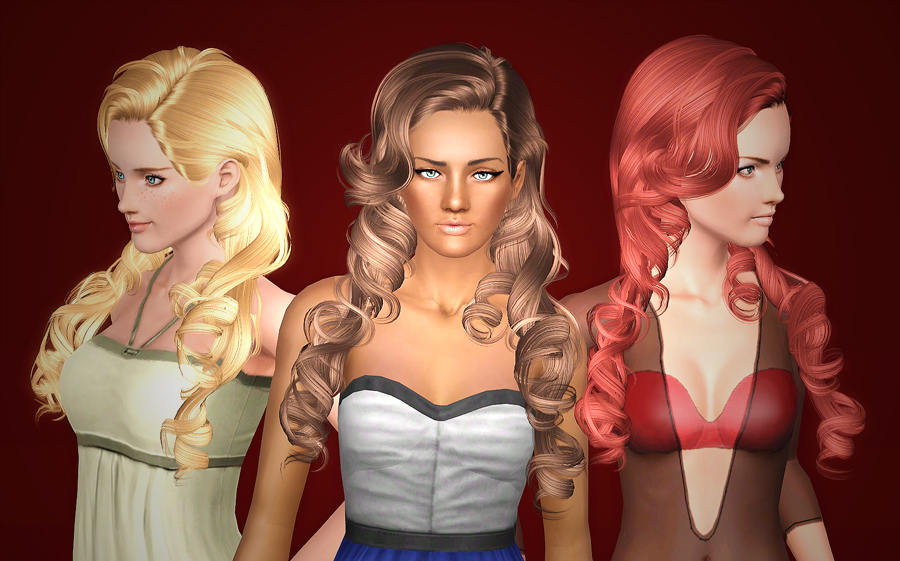
NewSea-SIMS3-hair-J107-IvoryTower-f-AlphaEdit-Retexture_Poseidon.zip
Donated by unthinkablesims
Download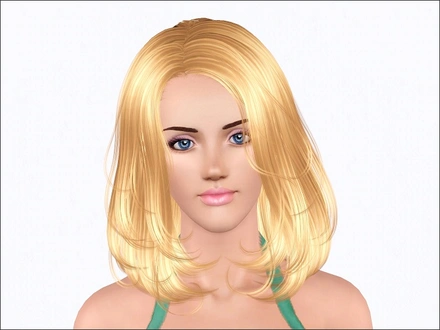
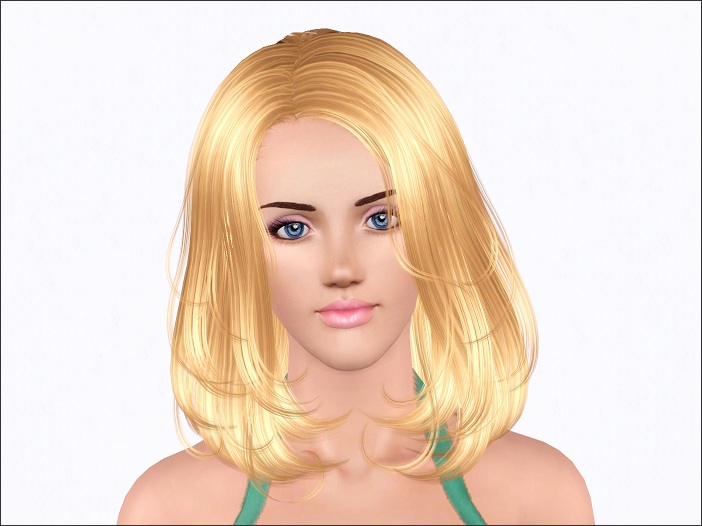
NewSea-SIMS3-hair-J108-Lafite-f-Retexture+AlphaEdit_Poseidon.zip
Donated by unthinkablesims
Download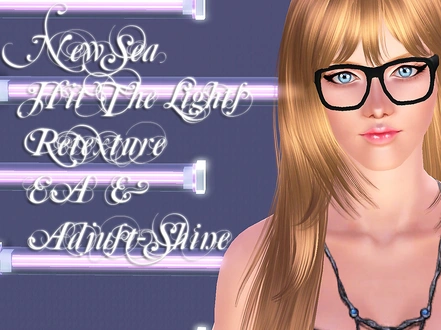
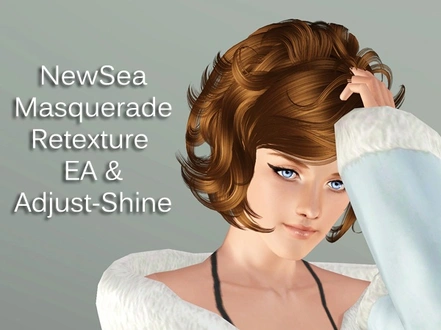
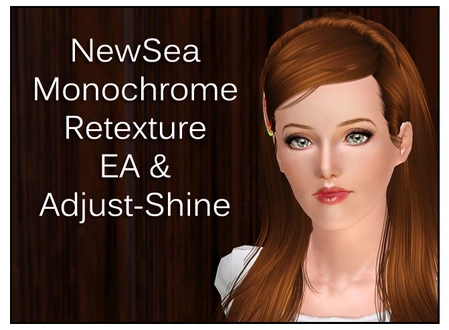
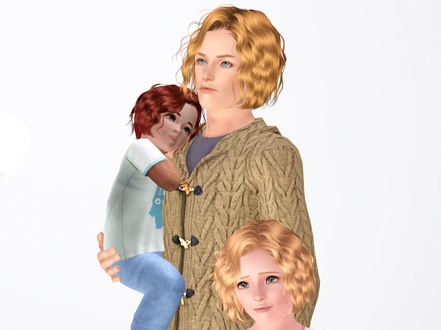
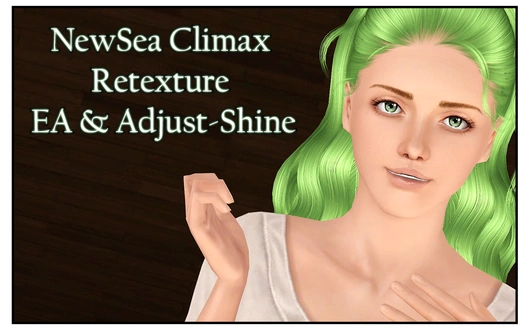
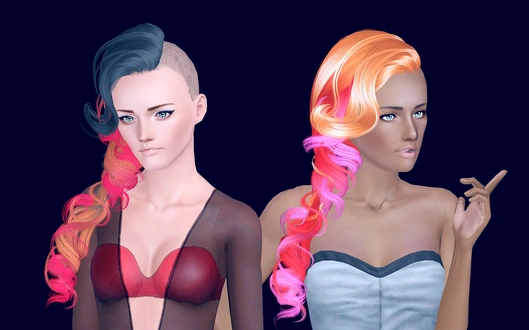
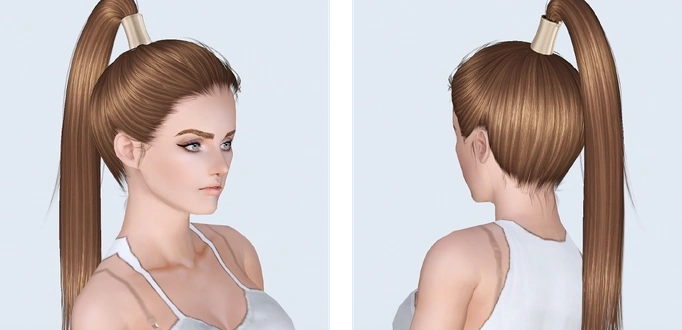
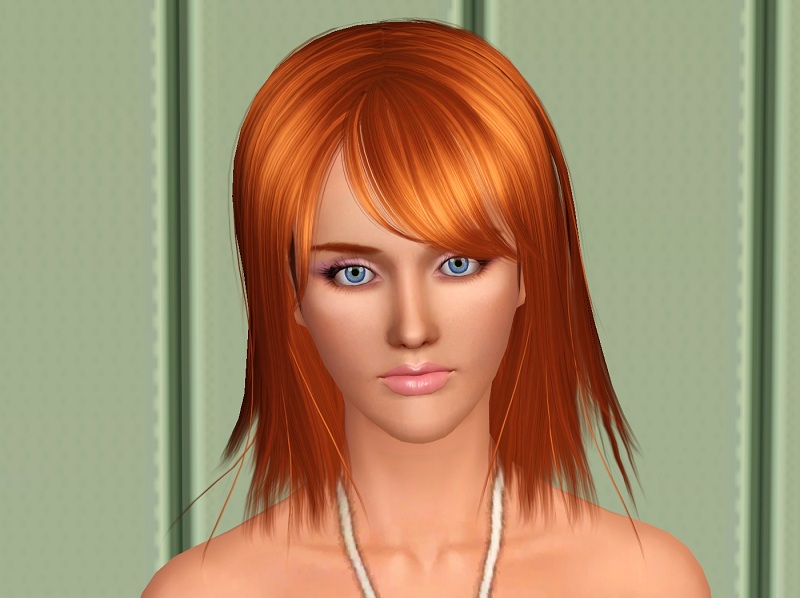
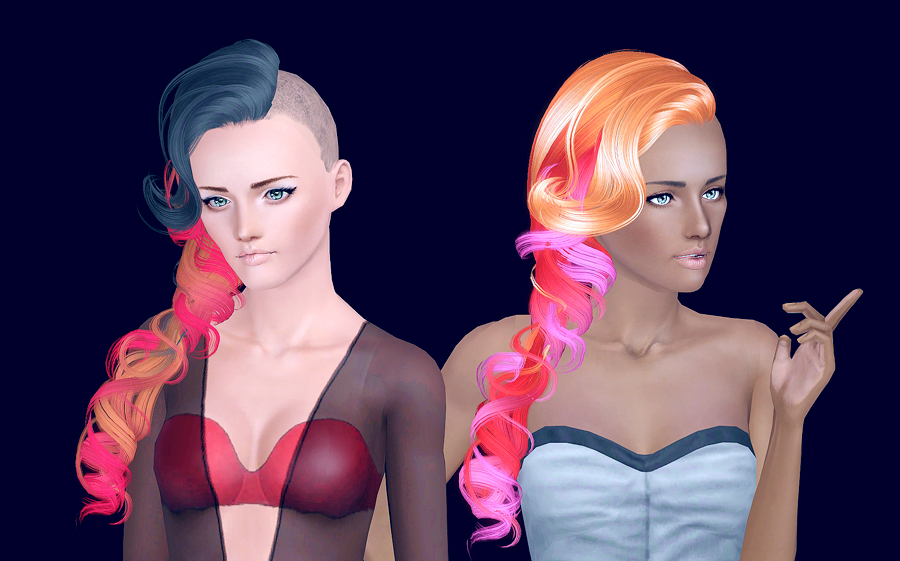
NewSea-SIMS3-hair-J127-Skyscraper-f-Buzzed-Retexture_Poseidon.zip
Donated by unthinkablesims
Download